Digital Connectivity
The newly enhanced AffloVest promotes adherence with Wi-Fi and Bluetooth® connectivity.
A DMEs’ guide to AffloVest digital connectivity
Connecting your AffloVest Controller to Wi-Fi (Recommended)
For organizations using INSIGHT, AffloVest treatment data is available through your information management system via the INSIGHT API or through the INSIGHT portal, helping track adherence, support payer requirements, and better manage your patients’ care.
By connecting the AffloVest controller to Wi-Fi, AffloVest automatically records treatment data. This includes details like session length, mode and number of treatments.
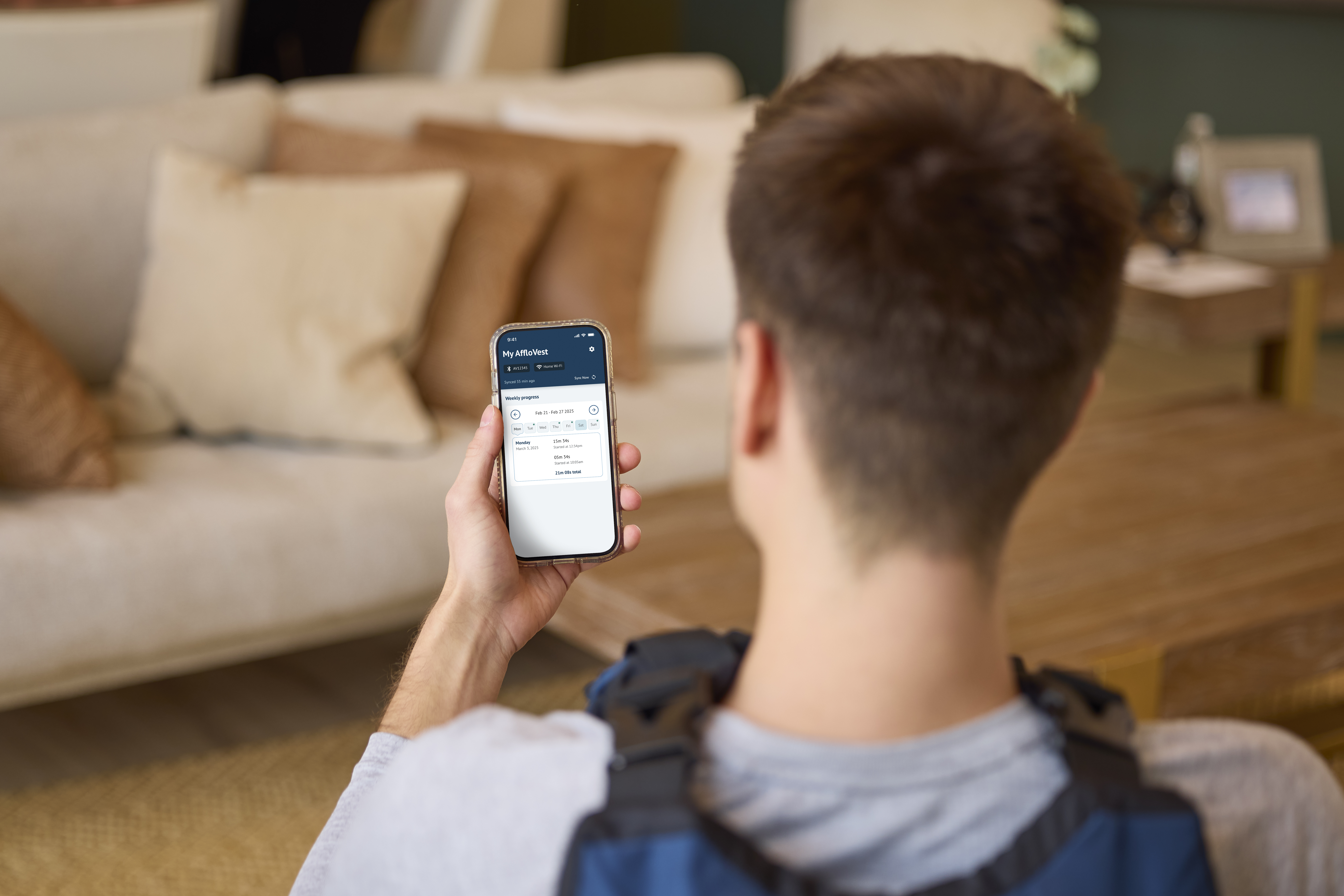
You can learn how to connect your controller to Wi-Fi by downloading step-by-step instructions or by watching the video below.
Connecting the AffloVest to the app using Bluetooth®
The AffloVest app from Tactile Medical makes tracking patients’ therapy simple. By connecting the AffloVest controller to the patient’s phone or tablet via Bluetooth® and Wi-Fi, the app automatically records their treatment data. This includes details like session length, number of treatments, and intensity.
The AffloVest app can be used with the following mobile devices:
- Android 14 or newer
- Apple iOS 18 or newer
You can download step-by-step instructions or watch the video below.
Questions/Support
For help with connecting your device, contact your AffloVest Territory Manager or email afflovestinfo@tactilemedical.com.
A patient’s guide to using digital connectivity with AffloVest
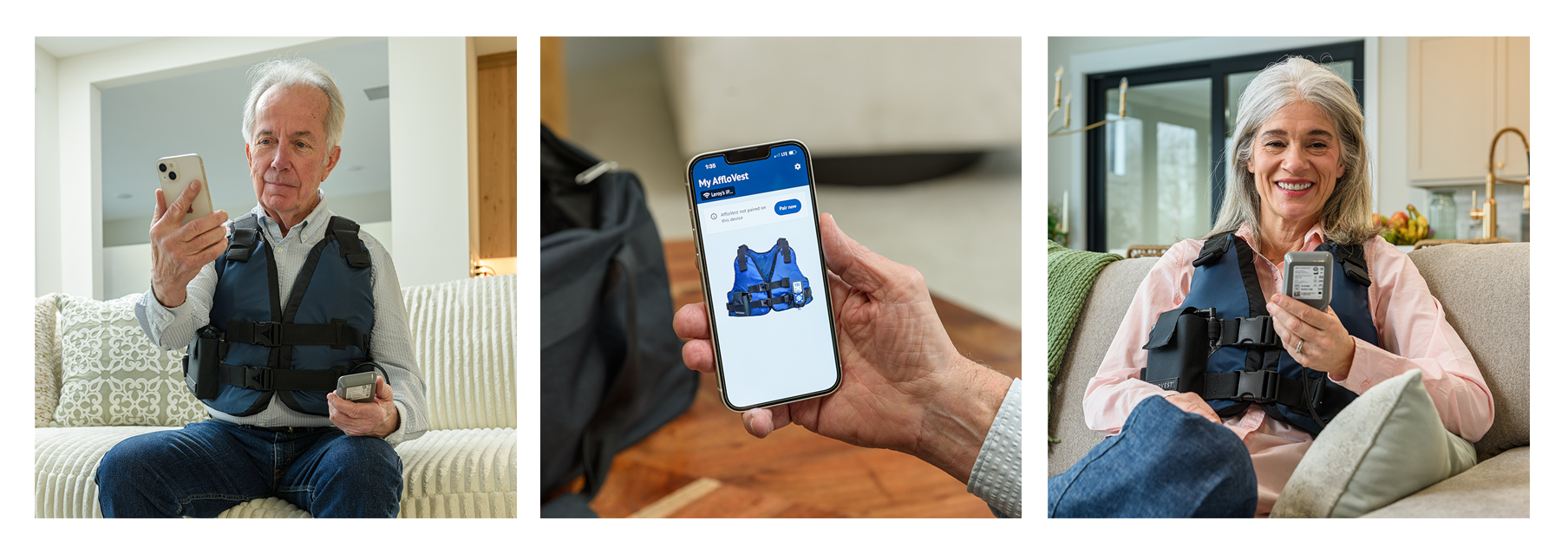
AffloVest offers a patient app that can be connected via Bluetooth®, making it easy for you to view your treatment progress.
Get started by downloading the AffloVest app!
Connecting your AffloVest Controller to Wi-Fi
The AffloVest from Tactile Medical makes tracking your therapy simple. By connecting your AffloVest controller to Wi-Fi, AffloVest automatically records your treatment data. This includes details like session length, number of treatments, and intensity.
You can download step-by-step instructions or watch the video below.
Connecting the AffloVest to the app using Bluetooth®
The AffloVest app from Tactile Medical makes tracking your therapy simple. By connecting the AffloVest controller to your phone or tablet via Bluetooth® and Wi-Fi, the app automatically records your treatment data. This includes details like session length, number of treatments, and intensity.
The AffloVest app can be used with the following mobile devices:
- Android 14 or newer
- Apple iOS 18 or newer
You can learn how to connect your controller to Wi-Fi by downloading step-by-step instructions or by watching the video below.
Questions/Support
For help with connecting your device, contact our customer support team at afflovestinfo@tactilemedical.com or 800.575.1900.